See the statement, pay in the app
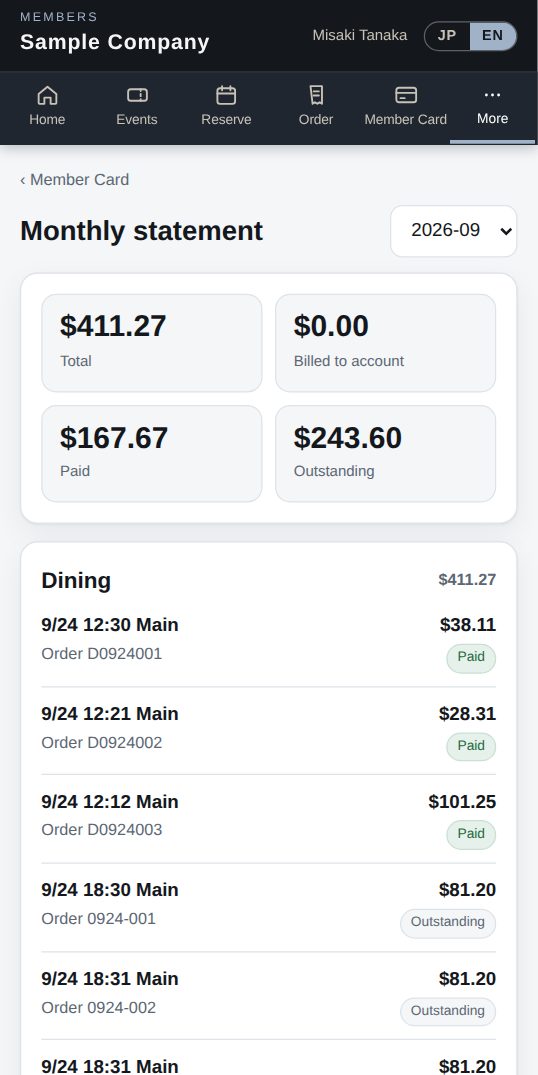
Members see monthly dining and event charges and payment status in the app, and can pay by card when online payments (Stripe or Square) are on. Staff settle open tickets at the register.

Monthly dining and event charges with payment status.
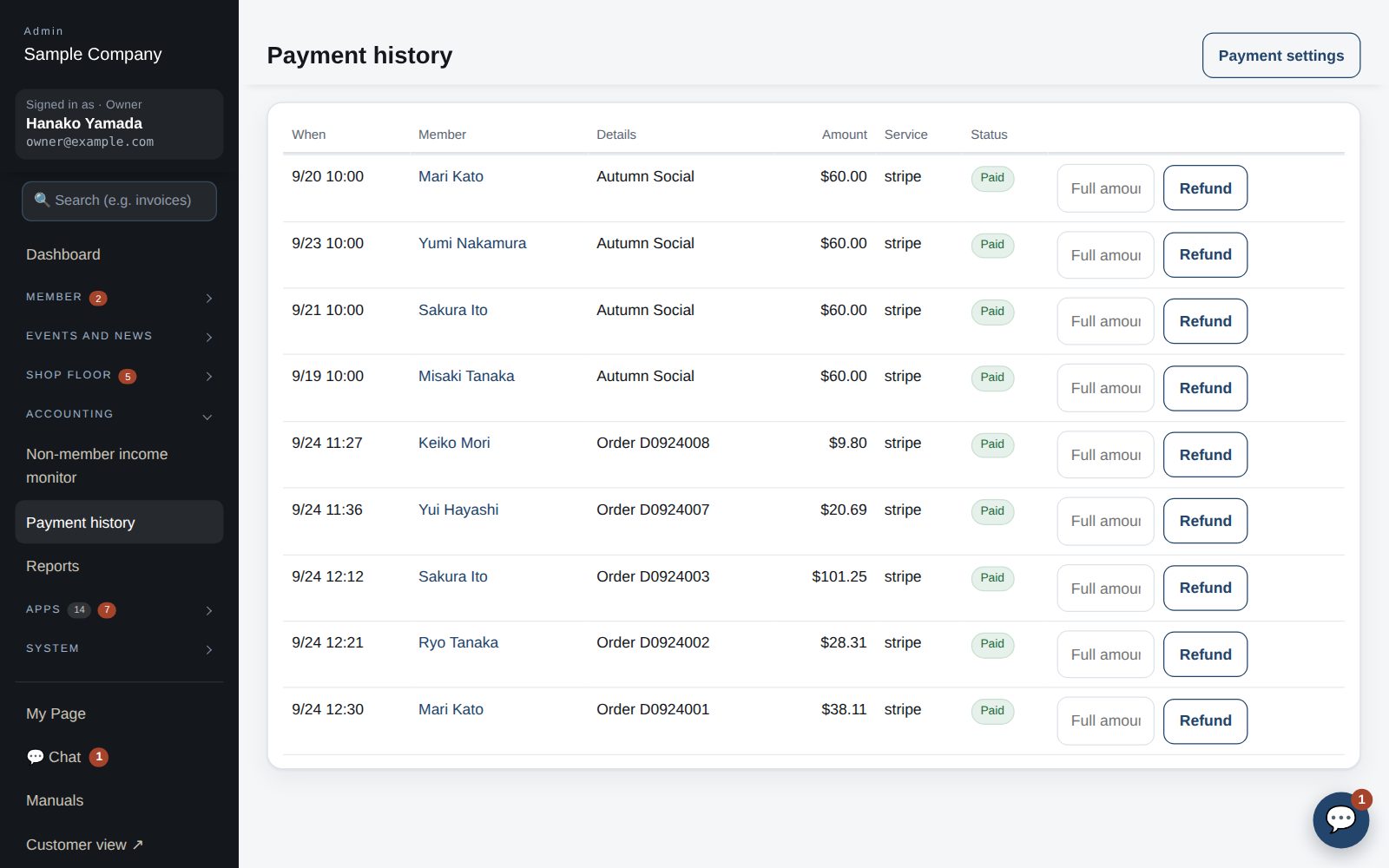
Card payments via Stripe or Square — for events and orders too.
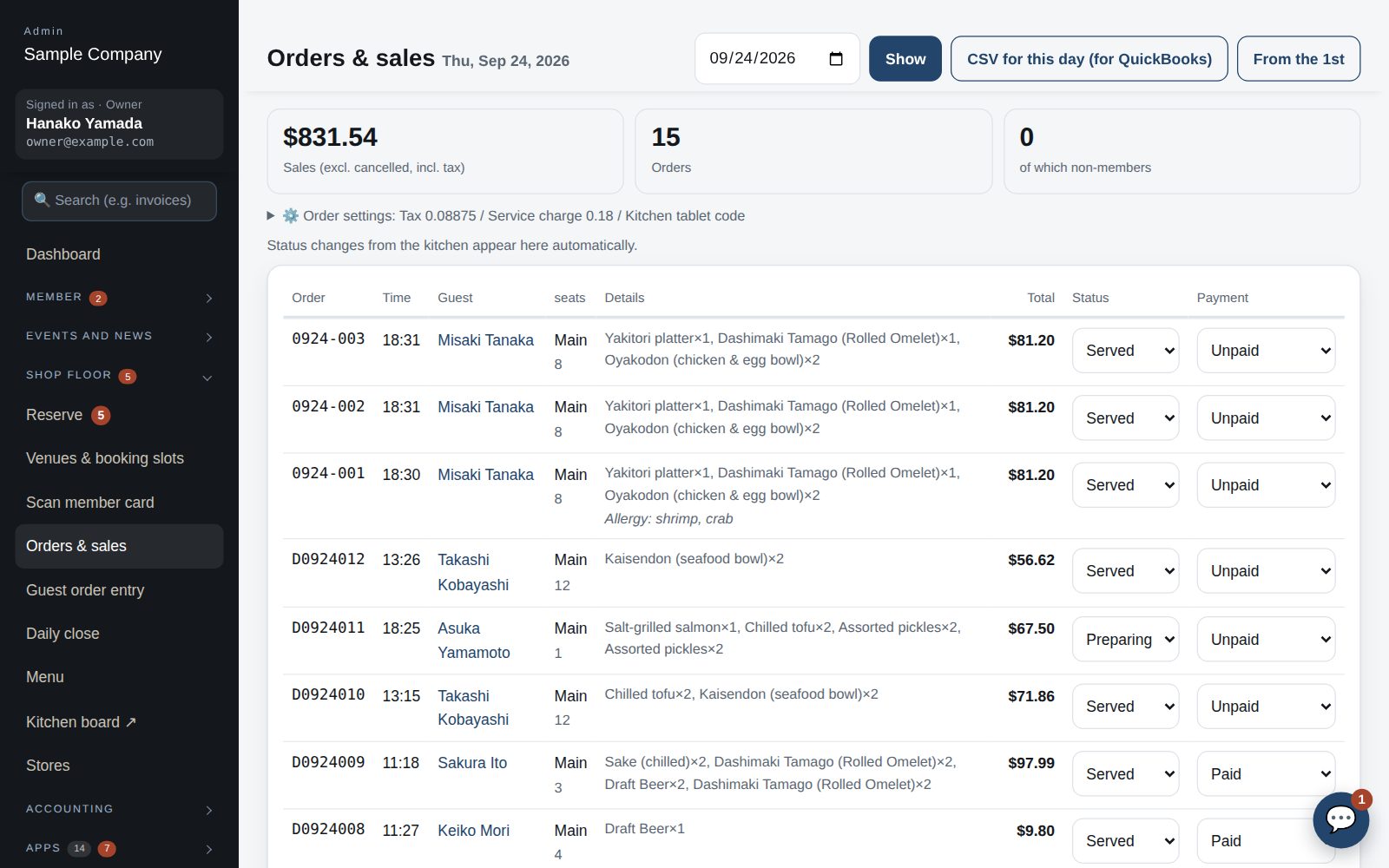
Pick an open ticket and take card or cash; Tap to Pay is on the way.
Review everything in payment history and the daily close.
My Page → Statement.
Tap Pay when online payments are enabled.
Choose the ticket from the open list at the register.
The daily close totals it up and can send it to QuickBooks.