Team messages inside the app — reply from any screen
A chat for everyone on the team — owners, managers and staff. New messages pop up in the corner of whatever screen you're on, so you can reply right there, with attachments. New tasks and approval requests are announced in the same corner.

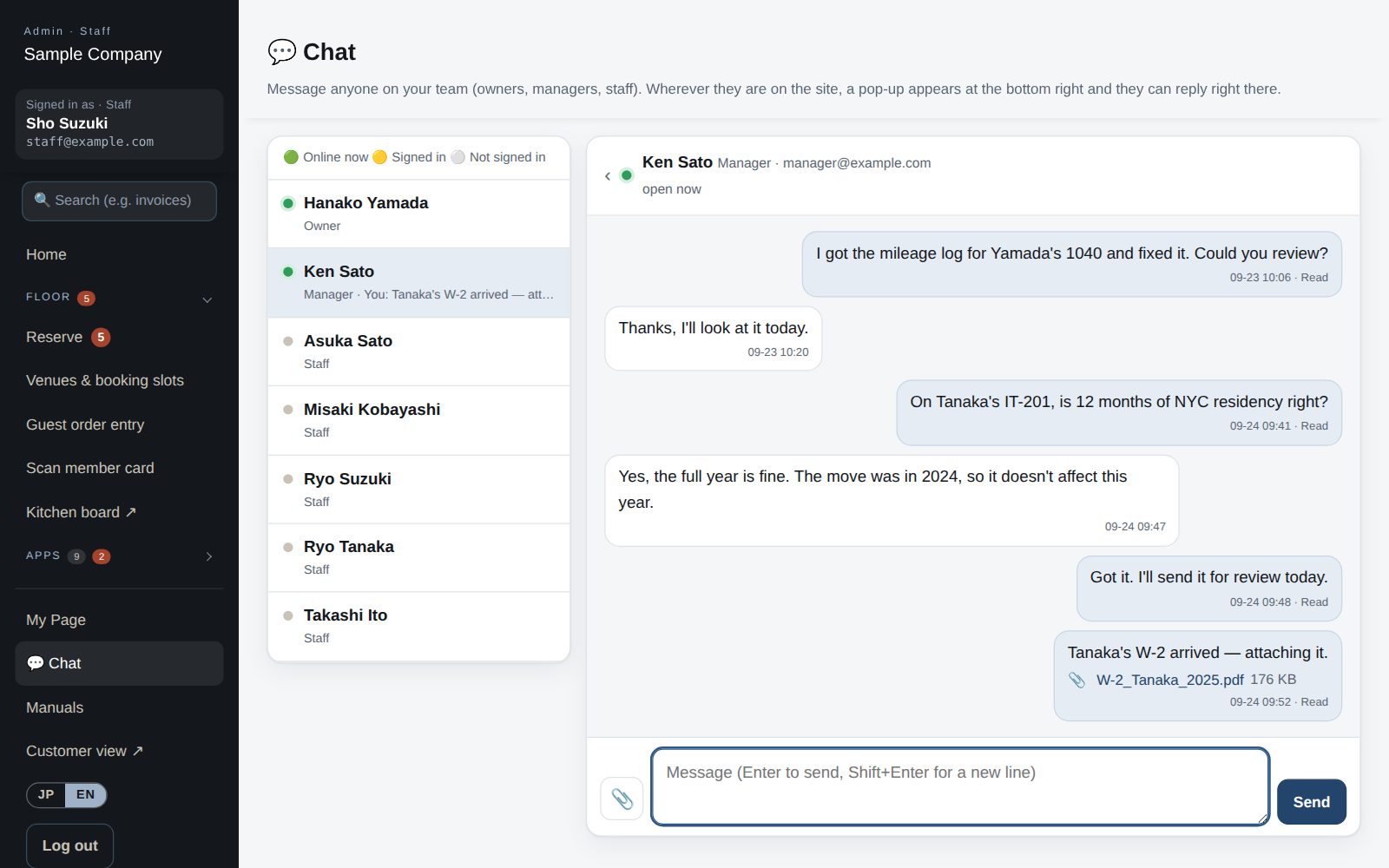
Everyone on the team is listed, with who's online right now.
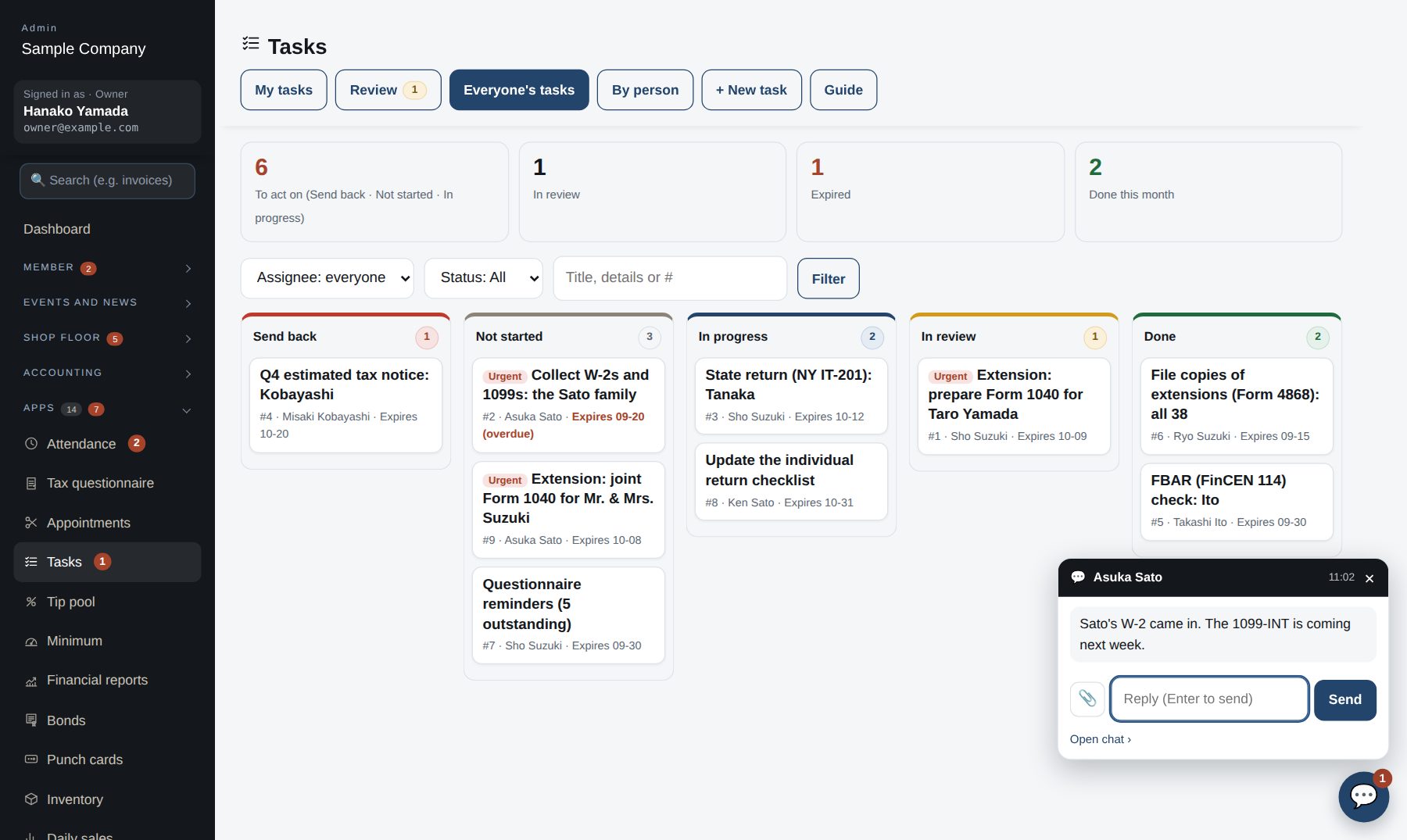
Reply from the corner without leaving what you're doing (Enter to send).
PDF, images, Office, CSV and ZIP up to 20 MB — visible only to sender and recipient.
New tasks and approval requests appear within 15 seconds with a 🔔 — no reload needed.
From 💬 Chat in the menu or the 💬 button, with attachments if needed.
In the corner of any screen, with an unread count in the menu.
Type in the pop-up and press Enter; 📎 for files.
New tasks and approvals ring a 🔔 and open lists refresh on their own.